IPHONE
Add with Safari
- Open podpronto.com in Safari.
- Tap Share. If needed, open Safari’s menu first, then choose Share.
- Select Add to Home Screen. Turn on Open as Web App if shown, then tap Add.

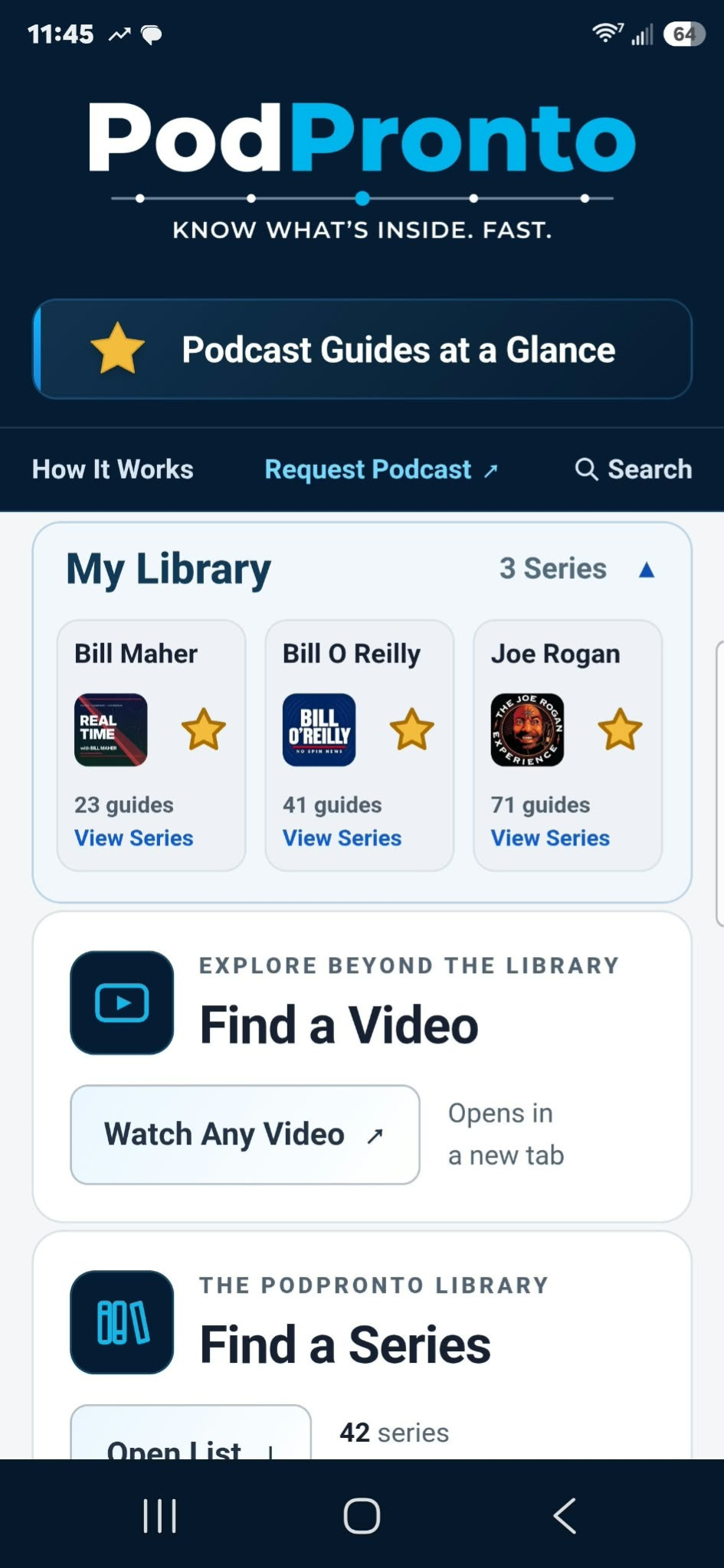
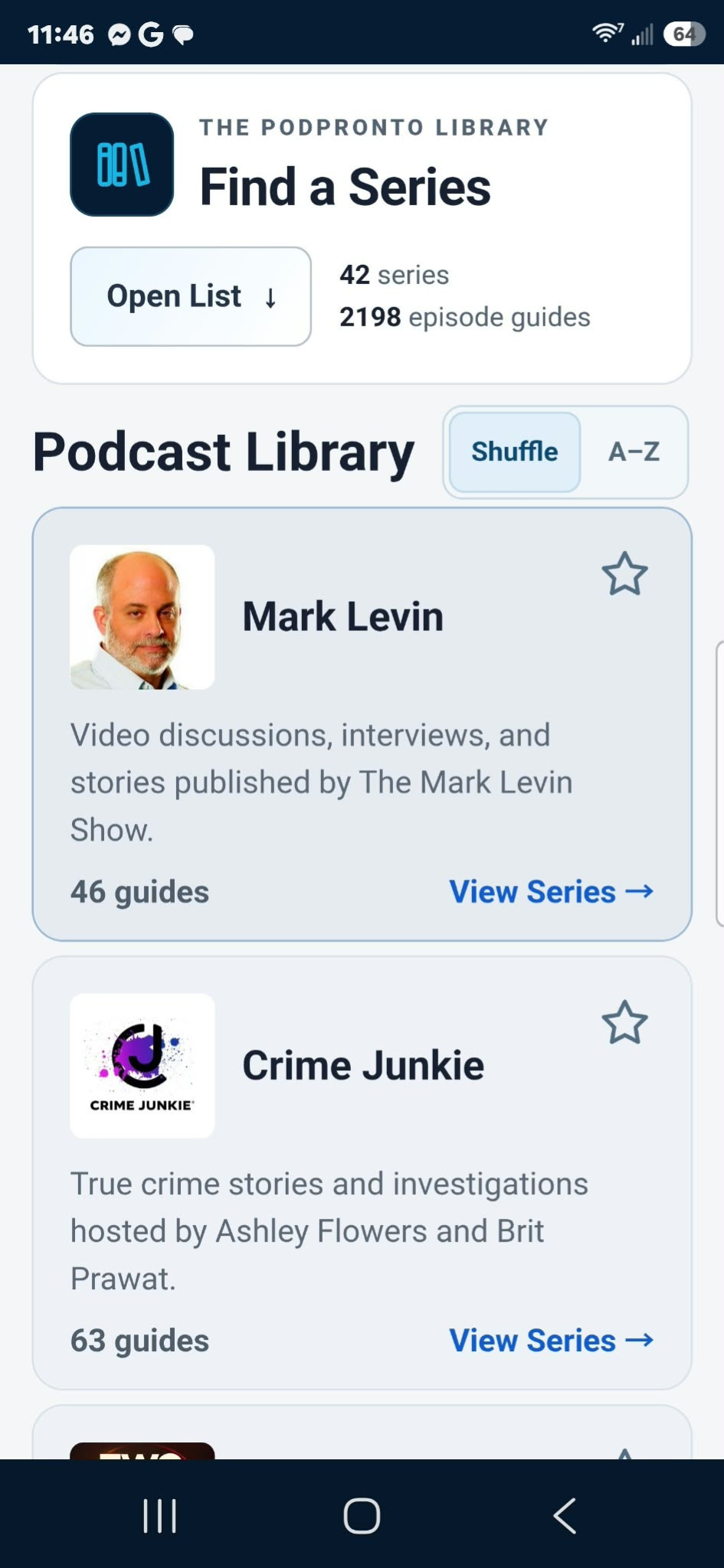
PODPRONTO ON MOBILE
Add PodPronto to your phone’s home screen and open it like an app.
Free · No account needed · No app store · Create a favorites list for your phone

Scan with your phone’s camera, or open podpronto.com in its browser.
See the quick steps belowUse the steps below in your phone’s browser.
IPHONE
ANDROID
Use your phone’s browser rather than a browser inside Facebook or another app. Videos need an internet connection.